Inwards Goods is located in the Purchasing section.

Receiving Inwards Goods
From the Purchasing > Inwards Goods Tab you can filter by customer or purchase order number and receive the purchase lines using the Receive button.

Receiving a line from a Purchase Order Form
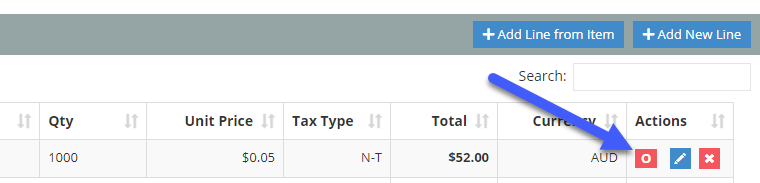
If a Purchase Order line is outstanding it will include a button as shown below. Clicking on this will open the Inwards Goods List filtered to that purchase order. You can then receive the PO Lines as normal.
Comments
0 comments
Article is closed for comments.